RoomSketcher vs SketchUp
RoomSketcher is built to make floor plans fast; SketchUp is a general 3D modeler that can model anything, including a house. For planning a home, the question is whether you want speed and a clean plan, or precision and total freedom with a steeper learning curve.
Updated October 2026. Disclosure: we make remodelhome, an AI room redesign tool, and it appears as a third column so you can see when a lighter tool is enough. The verdict between the other two does not depend on it.
The 20-second verdict
RoomSketcher
5/8 rows
Free; Pro $12/mo yearly
Choose it if you need measured 2D and 3D floor plans quickly, without learning 3D software.
SketchUp
3/8 rows
Free (web); Go $10.75/mo yearly
Choose it if you want to model a build precisely: additions, decks, cabinets, custom details.
remodelhome
4/8 rows
Free credits; $14.99/mo
Choose it if your walls stay put and you want to see how the room could look, from a photo.
Try it free →| RoomSketcher | SketchUp | remodelhome | |
|---|---|---|---|
| Built for | Floor plans and home layouts | General 3D modeling | Restyling a room from a photo |
| Free plan | 2 credits, watermarked 3D images | SketchUp Free, web only, no AI | ✓ 3 credits, no card, no watermark |
| Cheapest paid plan | $12/mo yearly ($144) or $24 monthly | ✓ $10.75/mo yearly, web and iPad only | $14.99/mo or $119.99/yr |
| Learning curve | ✓ Low | High | ✓ Low |
| Floor plans with measurements | ✓ Yes, print to scale, area calculator | Possible, you build them yourself | No |
| Precise 3D modeling of anything | Rooms and furniture only | ✓ Yes, its core | No |
| Start from your real space | ✓ LiDAR scan or drawn plan (AI Convert) | No | ✓ A photo of the room |
| Photoreal images | ✓ AI Render and 3D Photos | ✓ AI Render on paid plans | ✓ Every design |
| Desktop app | ✓ Desktop and tablet apps | Pro plan and up ($33.25/mo yearly) | Web only |
Prices from roomsketcher.com/pricing and sketchup.trimble.com plans, checked October 21, 2026. SketchUp prices are per user per month billed annually.
Where RoomSketcher wins
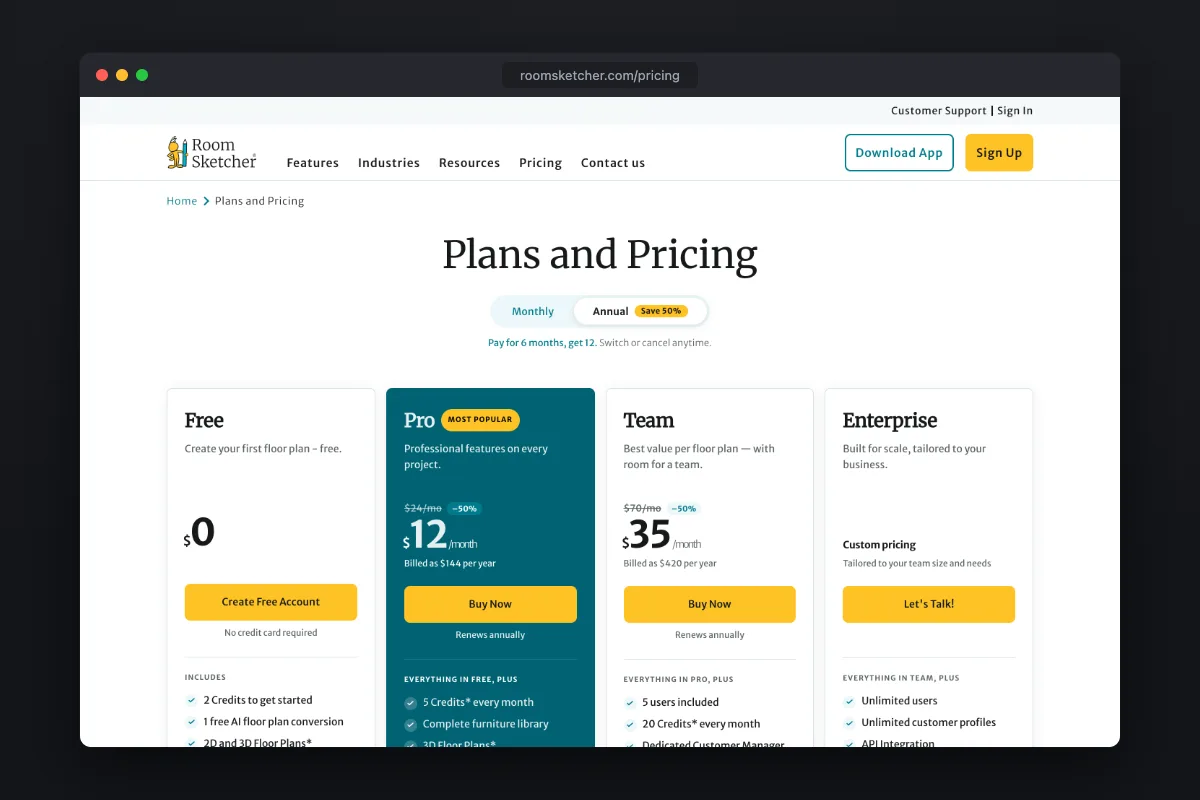
Speed to a good floor plan. Draw walls or let AI Convert turn a sketch into an editable layout, or scan the room with an iPhone or iPad LiDAR sensor (FloorCapture). Pro adds measurements, print-to-scale, an area calculator, the full furniture library and your branding, for $12 a month on the yearly plan. Credits pay for AI Render images, and Live 3D lets you walk through the plan. It is the tool real-estate photographers and remodelers use to hand someone a clean plan.
$33.25/mo billed yearly x 36
$144/yr x 3
$10.75/mo billed yearly x 36
$119.99/yr x 3, or start with 3 free credits
Where SketchUp wins
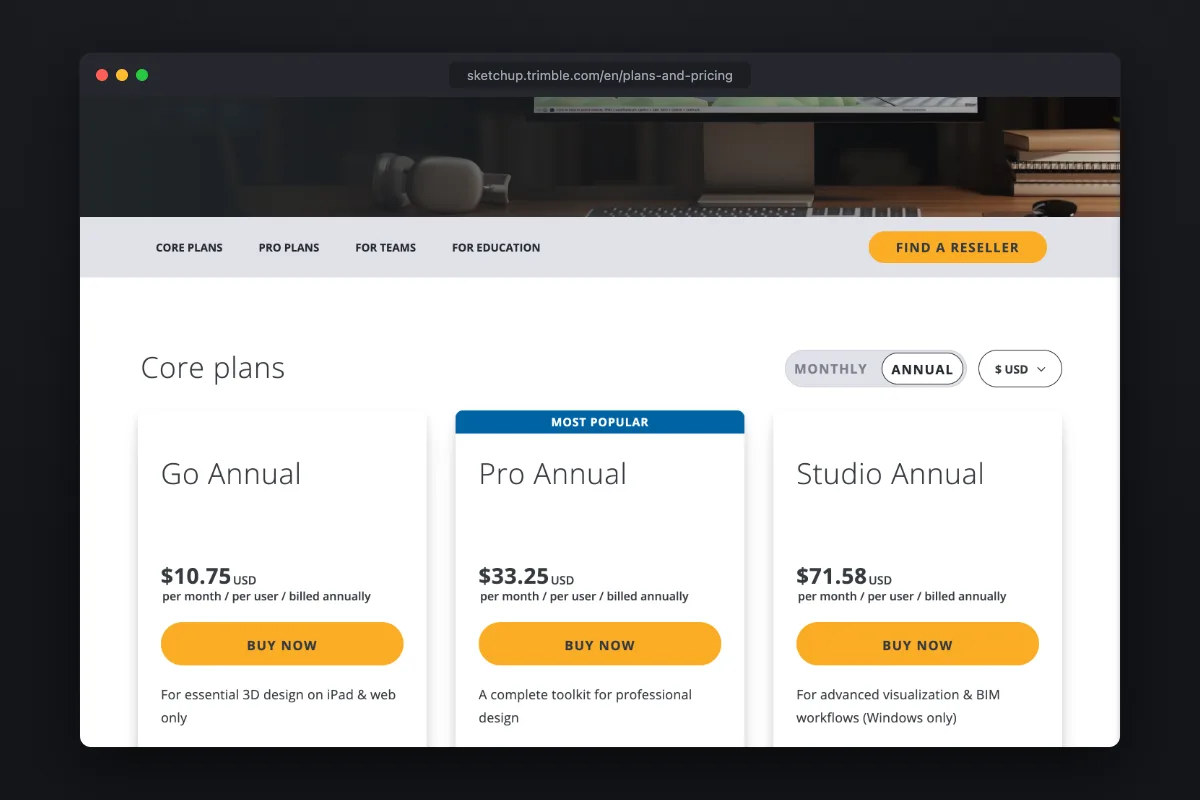
Freedom and precision. SketchUp can model a custom staircase, a deck, built-in cabinets or a whole addition to the inch, and its 3D Warehouse has models of almost anything. The free version runs in the browser; Go ($10.75 a month billed yearly) adds AI Render and iPad; Pro ($33.25 a month billed yearly) adds the desktop app, LayOut for drawings and extensions. The cost is time: it is a general modeler, not a home planner, so expect a real learning curve before your first room looks right.
When you do not need a floor plan at all
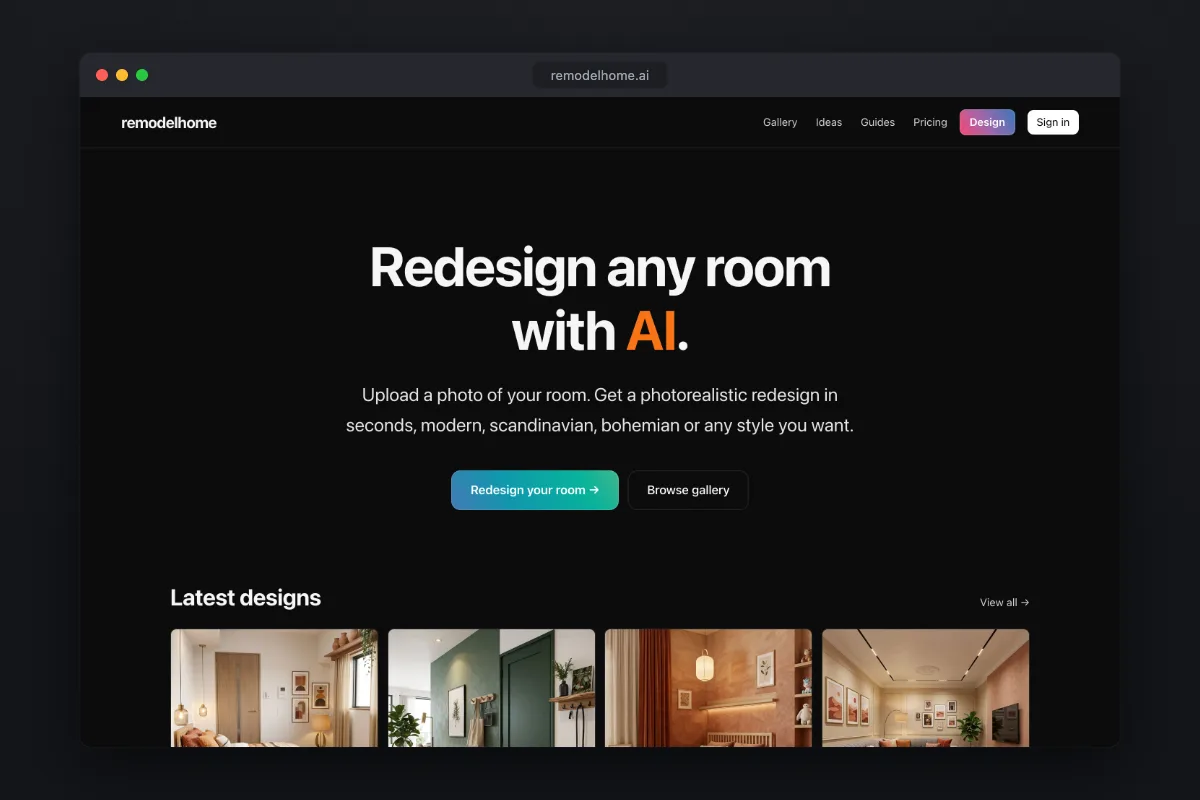
RoomSketcher and SketchUp start from a plan: you draw walls, place furniture from a catalog, then render. That is the right workflow when the layout changes. When the walls stay where they are and the question is how should this room look, a photo is a faster starting point.
remodelhome takes a picture of your actual room and returns photorealistic redesigns in the style you pick, with the materials you choose and anything you want to avoid. It does not make floor plans, measurements or 3D models, so it does not replace either tool for a renovation that moves walls. It does replace hours of modeling when you only want to compare looks. New accounts get 3 free credits, no card; Basic is $14.99 a month or $119.99 a year.
Browse what each style looks like in our room ideas or estimate the budget with the remodel cost calculator.
See your own room redesigned first
Upload a photo, pick a style, and get a photorealistic redesign in under a minute. New accounts get free credits.
Try remodelhome free →FAQ
Is RoomSketcher easier than SketchUp?▾
Yes. RoomSketcher is built only for floor plans and home layouts, so walls, doors and furniture snap into place. SketchUp is a general 3D modeler with a much steeper learning curve.
Is SketchUp free for home design?▾
SketchUp Free runs in the browser and can model a home, but it has no AI features. Paid plans start with Go at $10.75 a month billed yearly.
How much does RoomSketcher cost?▾
There is a free plan with 2 credits and watermarked 3D images. Pro is $12 a month billed yearly or $24 monthly, and Team is $35 a month yearly, as of October 2026.
Can either one start from a photo of my room?▾
Not from an ordinary photo. RoomSketcher can start from a LiDAR scan or a drawn plan. To restyle a room from a photo, an AI tool like remodelhome is the faster route.
Which is better for a kitchen remodel?▾
For the layout and measurements, RoomSketcher. For custom cabinetry details, SketchUp. To compare finishes and styles on your existing kitchen, a photo-based AI redesign.